Showing posts with label launcher. Show all posts

Thursday, March 20, 2014

VTL Launcher 1 7 0 APK


VTL.Launcher - Tablet Optimized - Scrolling Docks - Scrolling Widgets - And More !


VTL.Launcher 1.7.0market.android.com.vtlab.launcher
VTL.Launcher - Tablet Optimized - Scrolling Docks - Scrolling Widgets - And More
VTL.Launcher is a Tablet Optimized Home Screen Replacement App. This app is based off ADW and is ADW Themes Compatible.


Features:
  • tablet layout optimized (smaller screens will need to play with desktop layout and dock icon size)
  • 3D Screen Transitions (NEW)
  • elastic scrolling
  • 3 individually configurable/toggleable scrollable dock bars designed to maximize tablet layouts
  • Show/Hide Buttons for side docks (NEW)
  • individual controls per dock for background/reflection/visibility/icon size
  • icon size for docks can be set different per orientation
  • user folders to place shortcuts to apps, bookmarks, contacts, etc.
  • icon changing for user folders and apps.
  • quick action items menu when long pressing apps, folders and widgets.
  • catalogs for organizing apps in the app drawers
  • swipe actions on app drawer to navigate catalogs
  • uncataloged catalog where new and uncatagorized apps fall
  • 1 to 7 homes screens with sense-like previews
  • configurable action bindings (swipe up, swipe down, home button)
  • long-hold uninstall on trashcan
  • moveable trashcan
  • hide homescreen icon labels
  • auto rotate orientation
  • system persistence with configurable locked orientation
  • widget size spanning
  • scrollable widget support
  • live wallpaper support
  • fullscreen mode
  • backup/restore settings
  • compatible with "most" ADW Themes
Newer Features : 
  • 3D Screen Transitions. (off by default)
  • Side Dockbar Show/Hide Buttons. (can be turned on/off in settings)
  • Icon number per dock is now dynamic depending on dock width, orientation and icon spacing.
  • Settings for Icon Spacing per Dock per Orientation.
  • Icons on Dock now have a dynamically set Layout Alignment/Gravity per Dock per Orientation.
  • Settings for Icon Alignment/Gravity per Dock per Orientation.
  • Individual Dock Controls for Icon Sizing Per Orientation (really large icons could look pixelated). 
  • The Ability to Add/Remove the Bottom Dock. Side Docks Expand to claim the gap left. 
  • Individual Dock Controls for Background/Reflection. 
  • Individual Dock Controls for whether a dock should be displayed with the app drawer. 
  • Ability to Lock Orientation either Landscape/Portrait for persistence option. 
  • Icon Changing for User Folders. New Icons then show up on desktop and in Docks. 
  • Revert to Default option for Icon Changes on items. 
  • UnCataloged Catalog for items which you havent placed in a catalog. New apps land here. This must be turned on in settings. 
  • Quick Action Item to choose Catalog. 
  • Quick Action menu capability to the app drawers. Long press any icon in drawer and dont move it. 
  • Swipe to change catalogs in the drawer. Up/down in the Horizontal drawer and left/right in the Vertical. 
  • Catalog name to the top of the app drawers.
Required Android O/S : 2.0-2.3.3

Screenshots :
 

Download : 1Mb APK


Read More..

Monday, March 17, 2014

Smart Launcher v1 10 11 Full Apk

Smart Launcher full apk

Download Smart Launcher For Android

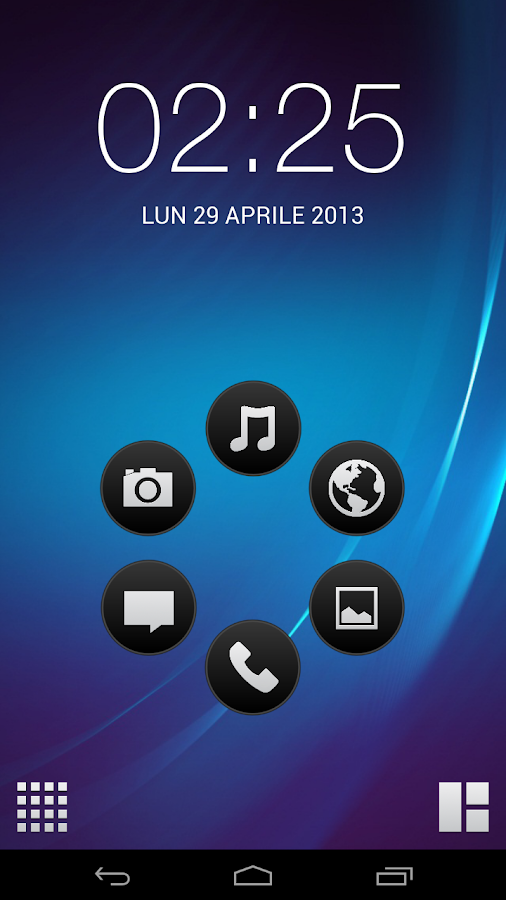
Smart Launcher is an innovative launcher, minimalist design, low resource and user-friendly interface which allows you to launch any application in a few keys.
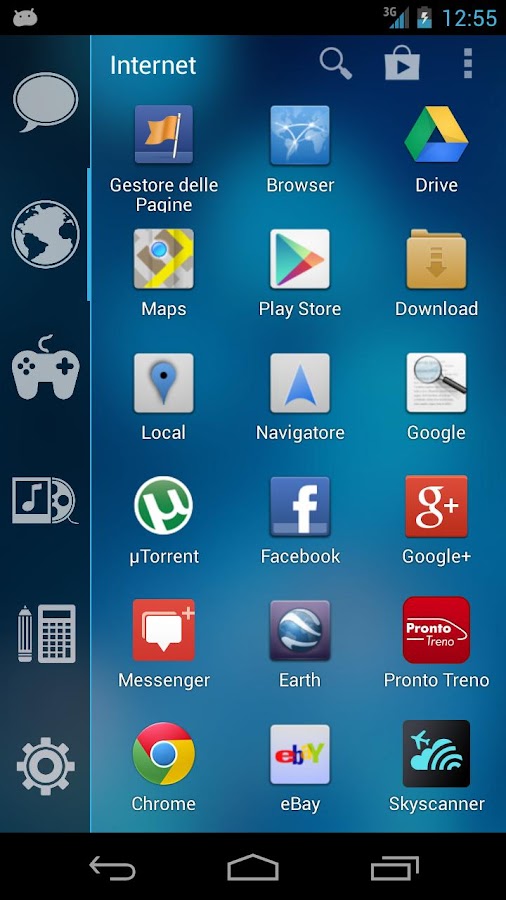
Its currently the only launcher of Play Store, which has a function of automatic sorting and cataloging of installed applications!

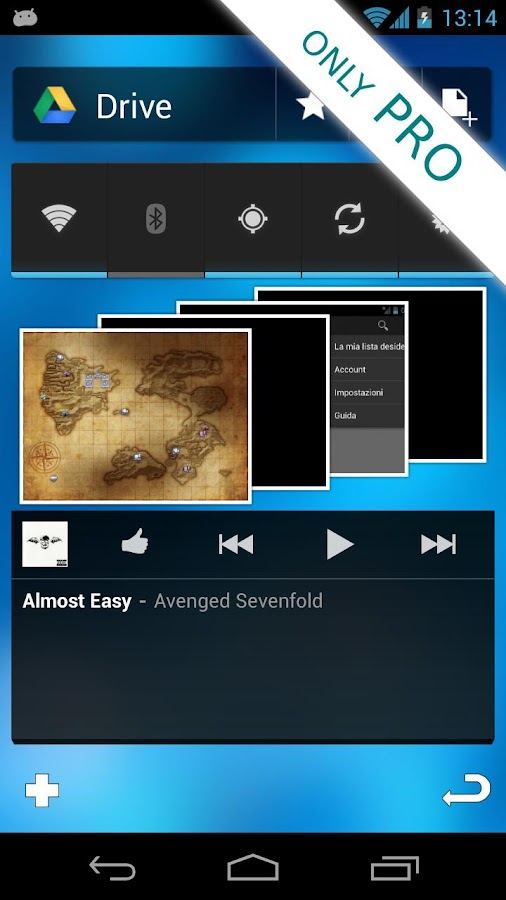
PRO version has a secondary screen where you can place widgets. There are also more transitions and colors to customize the home screen. By purchasing, you will contribute to the development of Smart Launcher and it will give you new features and updates.

Minimalist doesnt mean under-features!
- Main screen with Quick Start
- Drawer organized by categories
- Ready to use without special configurations.
- Live Wallpaper Support
- It supports every screen and device (Google TV too!!)
- Widget support (PRO version only)
- Support of set of icons for ADW Launcher, Apex Launcher, Nova Launcher and Launcher Pro.
- Possibility to change a single icon in the drawer.
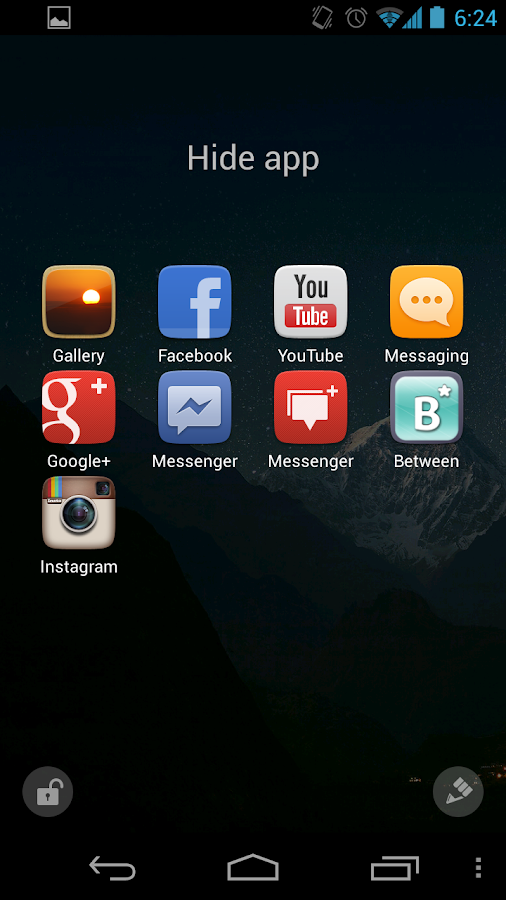
- You can hide every app you want by long pressing an app, then select menu → Hide.
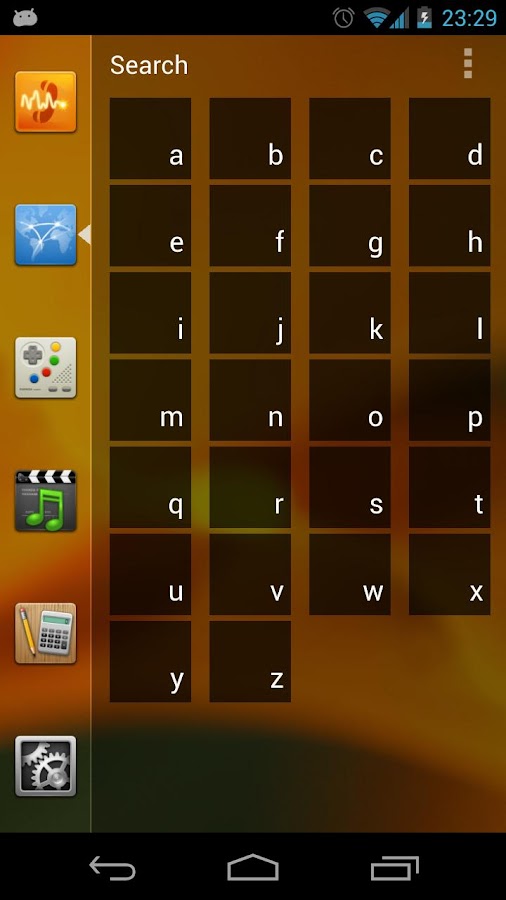
- Quick search.
- Dozens and dozens of global themes, which will allow you to change all elements of the interface.
- Easy access to apps info.
- Designed to be used comfortably also in landscape mode.
- Option to hide the statusbar.

Screenshot:
Smart LauncherSmart Launcher

Whats New:
Sorry for so many updates but new features means also new possible bugs, Im working to fix them.
Update 1.10.x
Many new features with a decreased ram usage :)
- Now you can replace clock with a widget!
- Smart App Discover;
- New animation for the drawer: 3Dflip and randomly icon flip (Only pro)
- New gesture: show recent apps (Only pro)
- New app picker;
- Hideable menu button;
Coming soon:
- Backup utility;
- Folder in the flower;
- Lockscreen (Only Pro);

Download Smart Launcher v1.10.11 Apk New
download now

Recommend for you: Download Smart Launcher Pro v1.10.11 Apk
Read More..

Sunday, March 16, 2014

GO Launcher EX Prime v4 03 Apk New

go launcher ex android


Download GO Launcher EX For Android

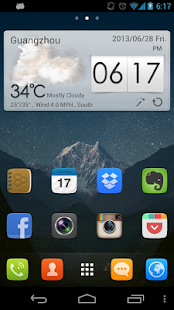
GO Launcher EX - the final choice for 100,000,000+ people! User voted best Android Launcher! Download it now to enjoy 10,000+ themes and experience the super speedy and smooth operation provided by powerful 3D core! As the best home screen replacement, it transforms your Android device into a great personal online user experience you can really control – its up to you!

■ Free Features
- More than 10,000 personalized themes (keep increasing)
- Super smooth flipping and transition effects provided by 3D core
- 25+ fancy transition effects
- 15+ widgets available for free (weather, clock, switch, calendar…)
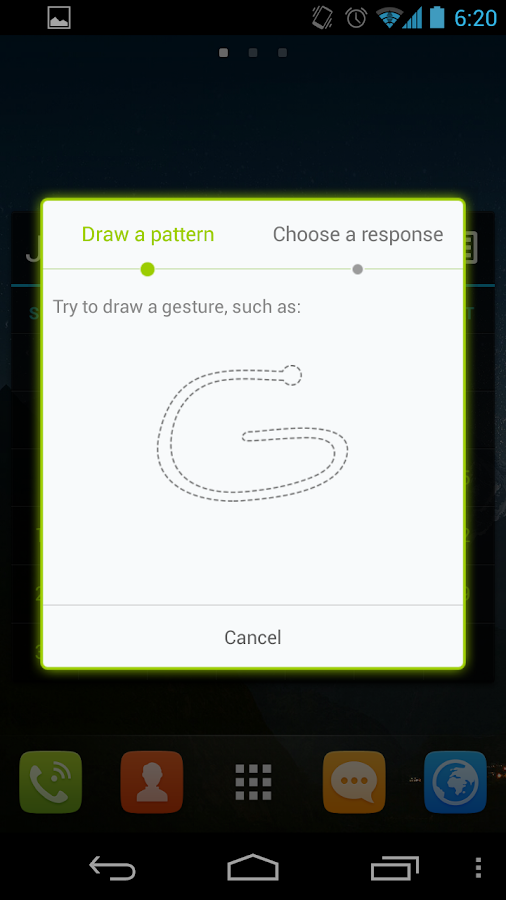
- Launch apps using gestures

■ Pro Features
- Multi-touch to quick access to core functions
- 4 additional splendid transition effects
- No sponsored messages or Ads

■ FAQ
1. How to get more free themes, widgets and other resource for GO Launcher EX?
a. Search in Google Play. Or…
b. Get from built-in GO Store via menu.
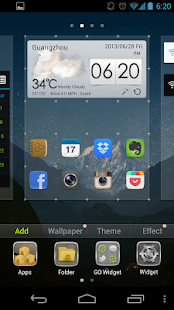
2. How to set transition effects?
Menu-> Add -> Effect.

Screenshot:
GO Launcher EXGO Launcher EX


Whats New
(Improve) Preview interface of adding widgets
(Fix) Unable to load app icons with 3D core
(Paid) Improve the operation of Side Dock
(Paid) Add a new transition(Cloth) for 3D core

Download GO Launcher EX v4.03 Apk New
download now

Read More..